Vello + Neo
The phone is quiet. The conversation is not.
With Vello, clients can reply to a text instead of calling the practice, and every reply lands in the Neo patient record.
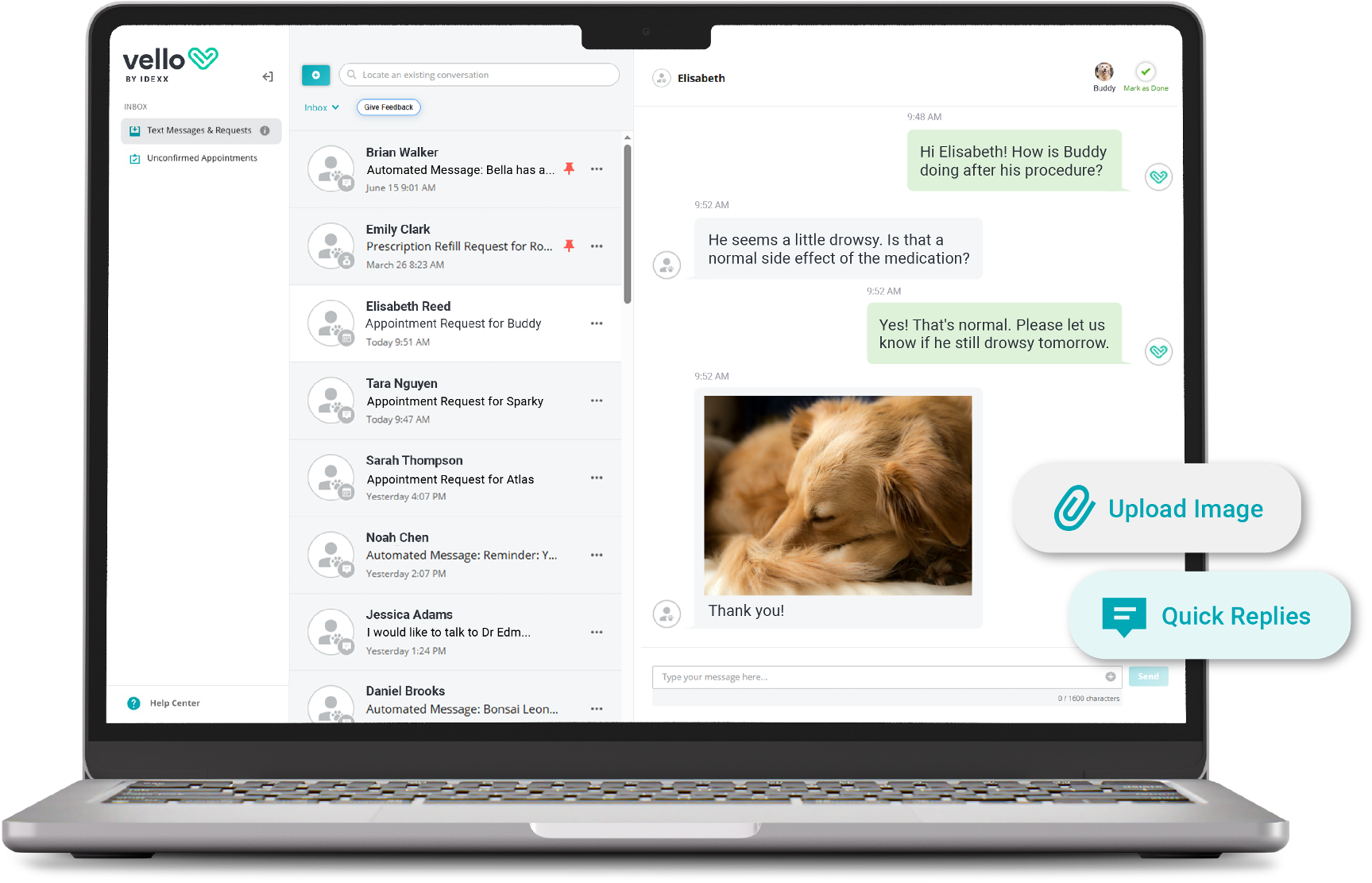
Simplify intake and stay organized
Appointment confirmations, refill requests, and questions before a procedure can come in as a text, so nobody has to step away from a patient to pick up the phone.
Quick-reply templates cover routine responses, so most replies don't need to be typed from scratch.
Ensure forms are stored securely and attached to the right patient.
An out-of-office reply lets clients know when the practice will respond.
Every message sends from a dedicated local number, with no cost per message.
Nothing has to be written down and re-entered later.
One thread, not a second system
- Vello pulls appointment types and existing settings from Neo, so your team doesn't have to configure everything from scratch.
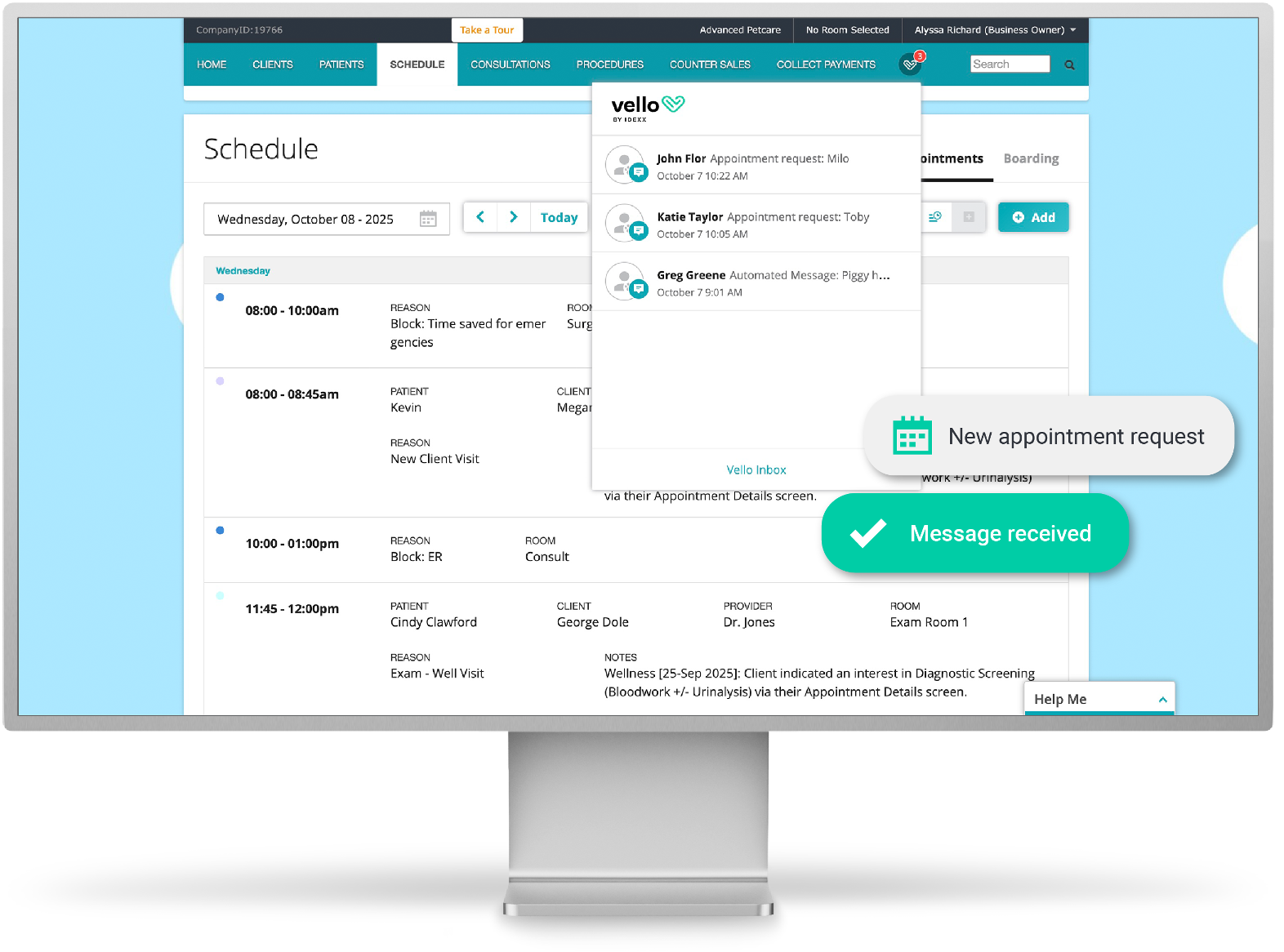
- New message notifications show up inside Neo itself, not in a separate app your team has to remember to check.
- Clients reach Vello straight from a reminder, the app, or a password-free web portal, so there is nothing new for them to set up either.
Results seen by practices using Vello
Vello practices see measurable improvements in appointment attendance, preventive care, and revenue growth.
What could these numbers mean for your practice?
FAQs about Vello for Neo
How do my clients access Vello?
Right from the link in an appointment or medical service reminder, by downloading the Vello app, or through a custom Vello link or QR code from your Vello settings. Clients are auto-authenticated through the Neo integration, so there is never a password to manage.
How does SMS writeback work with Neo?
All automated communications and text messages write back to the communications log and patient record. A started conversation logs as "Text Thread Initiated." Once marked done, "Text Thread Completed" writes back with the full content.
How long does it take to set up?
Setup is quick and requires minimal effort. Client and patient data pulls from Neo automatically, including contact information, appointment details, vaccination and prescription history. You can add customizations by appointment type and enable recommended care from there.
See how Vello works with Neo
References
1. Data on file at IDEXX Laboratories, Inc., Westbrook, Maine, USA. Data represents a net increase (3-12 months) pre/post Vello enrollment, inclusive of industry benchmarks, n=956. Industry benchmarks: total visits -3.1%, clinical visits -2.2%, wellness visits -3.9%, total visit revenue +2.2%. Individual results will vary.